

Reels Constructor — presets for editing Reels in DaVinci ResolveStop spending hours
on editing Reels
Edit videos 3× faster with Reels Constructor! A set of original effects that hold viewers' attention to the very end.


 ★★★★★ 4.9 · 97 reviews
667 creators already have the pack



What is it?
Making Reels every day, I got tired of building each one from scratch. Cut it, grade it, add animation... To avoid burning out and to put short videos together many times faster, I made Reels Constructor.
It's a pack of ready-made text, transitions, animations, color grading and everything else that lets you put together good-looking videos in literally minutes. Like a construction toy, but for editing.
No more setting up compositions on the Fusion page from scratch every time. All the tools go into Resolve with a single installer and create that “expensive” look that cuts through viewers' banner blindness — the look clients are willing to pay more for.
The difference in your workflow
- 3 hours per video
- Dull text and animations that look like everyone else’s
- Viewers swipe away at second 3
- Burnout and low-paid work
- 20 minutes per video
- Stylish, dynamic visuals
- High retention and growing views
- Happy clients who pay 2×
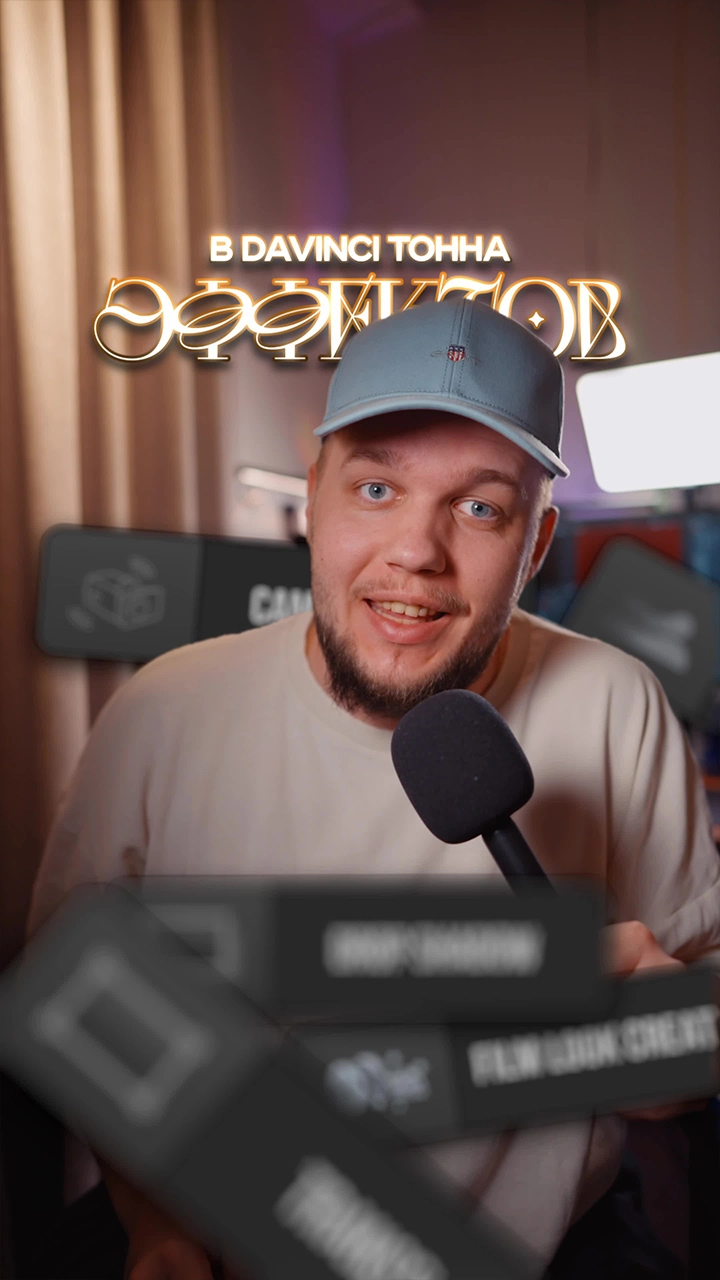
The pack in action



Why you need it
Attention = views
Dynamic transitions and stylish titles work as visual triggers. They hold attention in the first seconds, which gets the algorithms to push the video into recommendations more actively.
Higher rates for your edits
Clients don't pay for shots stitched together — they pay for the result and a premium look. The pack puts you on the level of top creators, so you can confidently raise your rates and stand out from the competition.
More projects
When a stylish video takes 20 minutes instead of several hours, you can take on 2–3 times more projects without sacrificing your own time or image quality.
What's inside the pack?
Plugins and utilities NEW
17 itemsOFX plugins that take DaVinci Resolve beyond regular .drfx macros, plus everything for a quick start: ready-made projects, fonts, sounds and color grading.
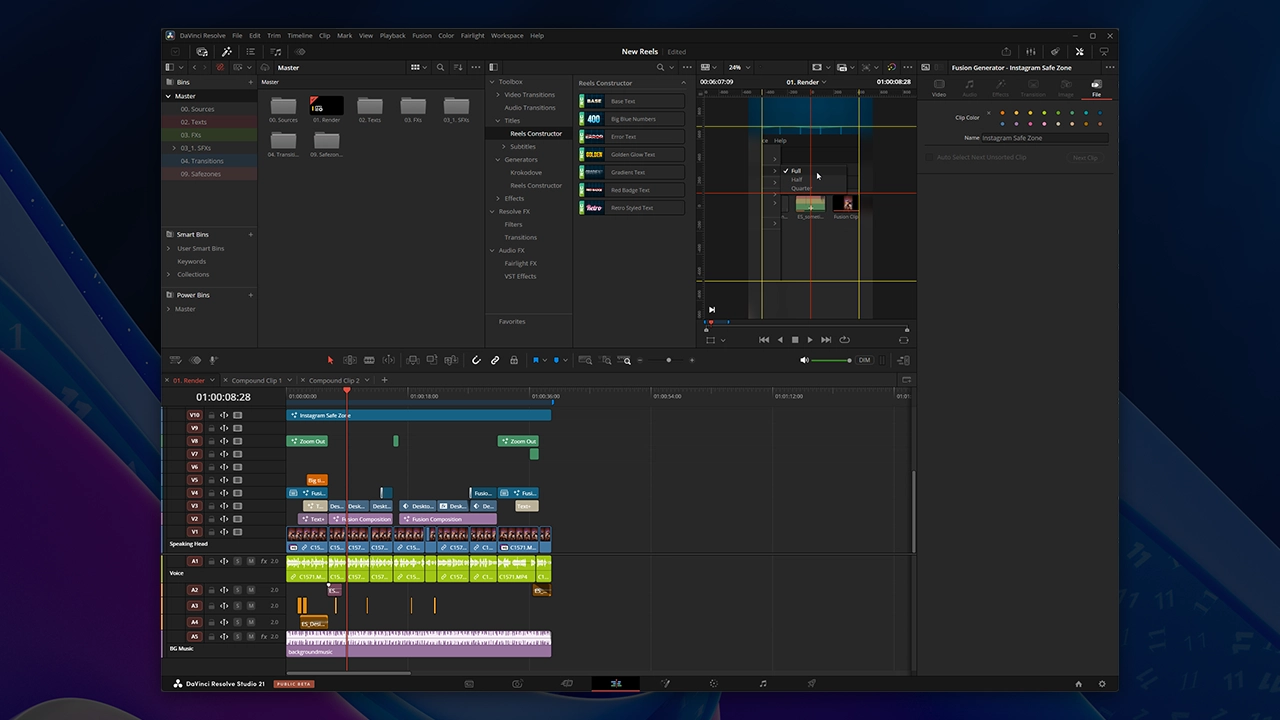 Ready-made editing template
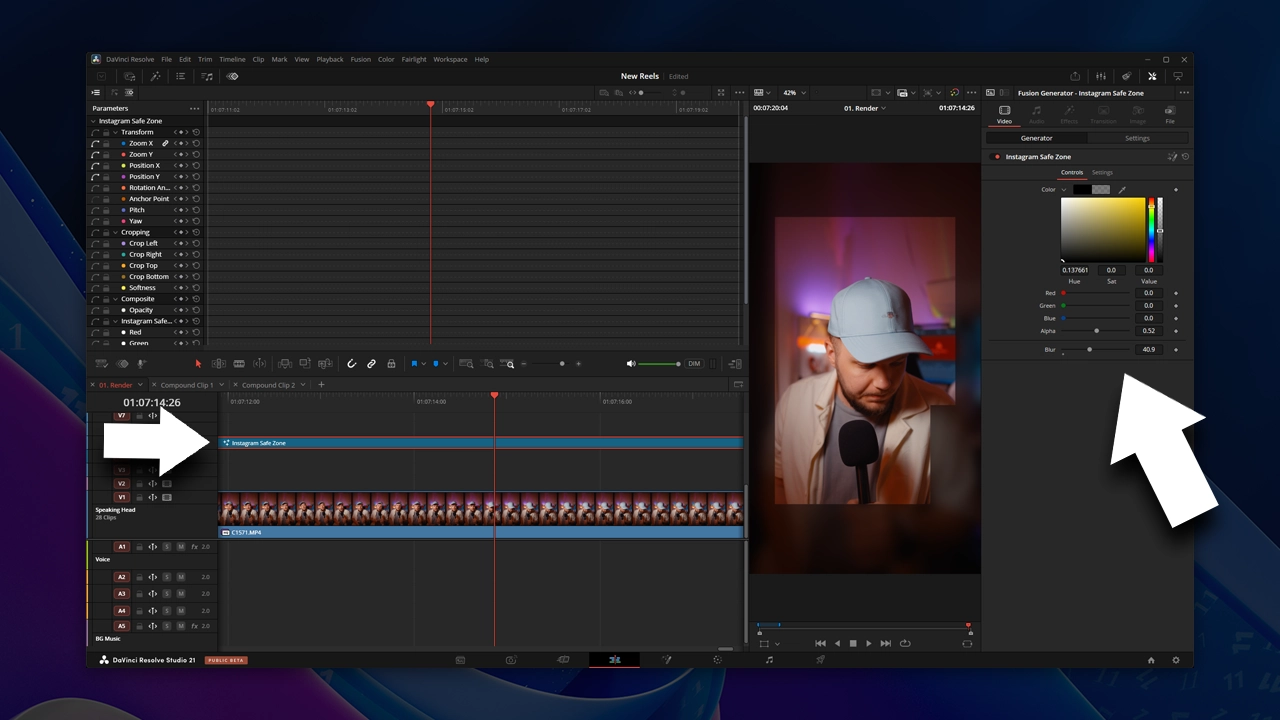 Safe zone overlayInstagram UI
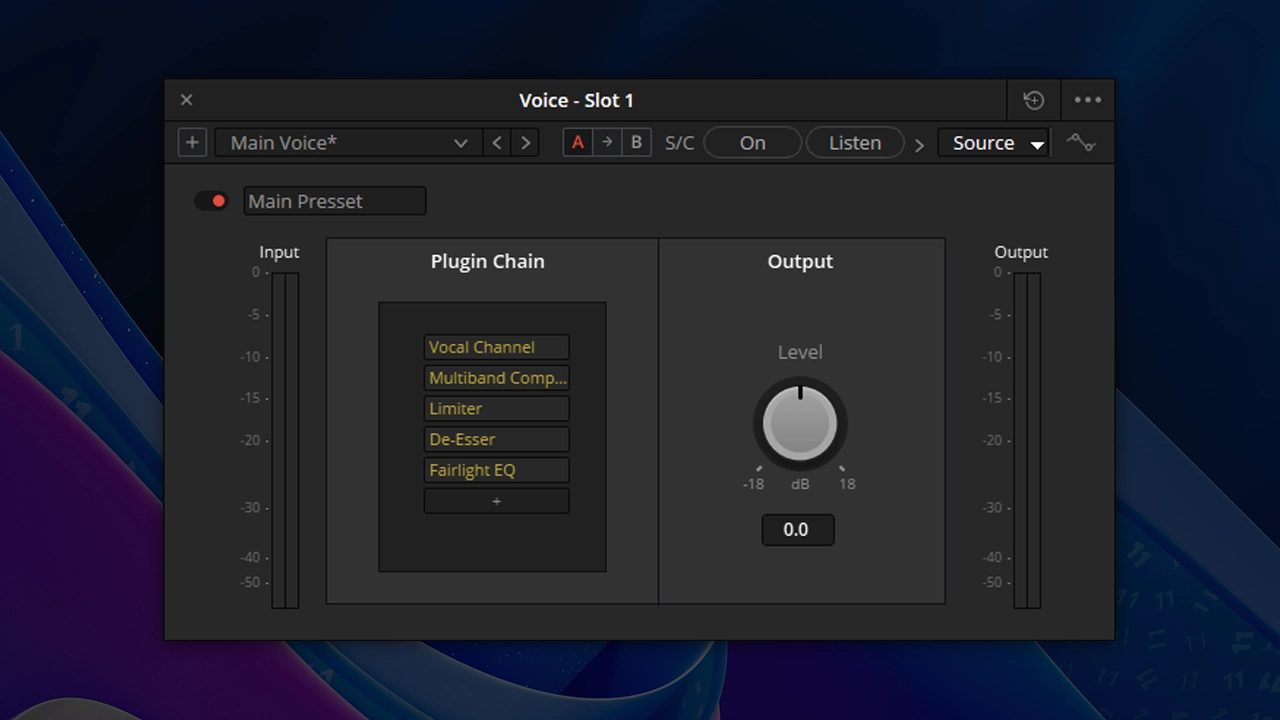 Voice processing preset
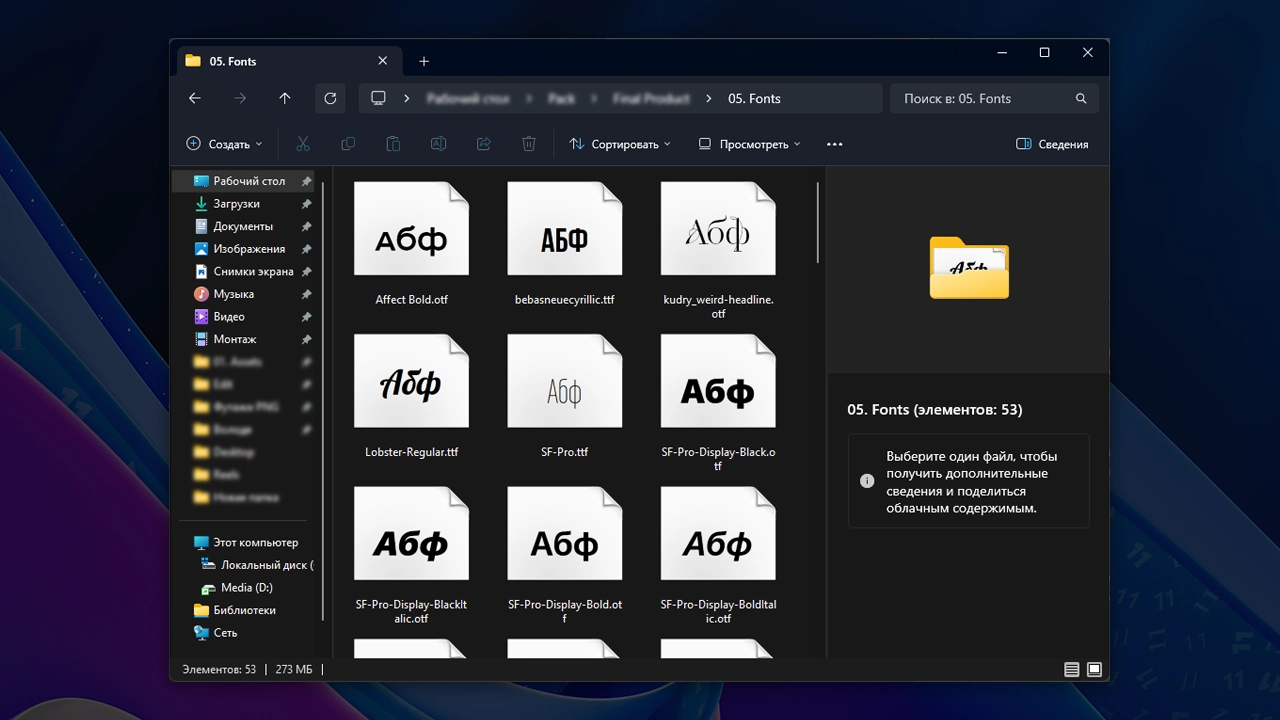 Fonts for video (50+)
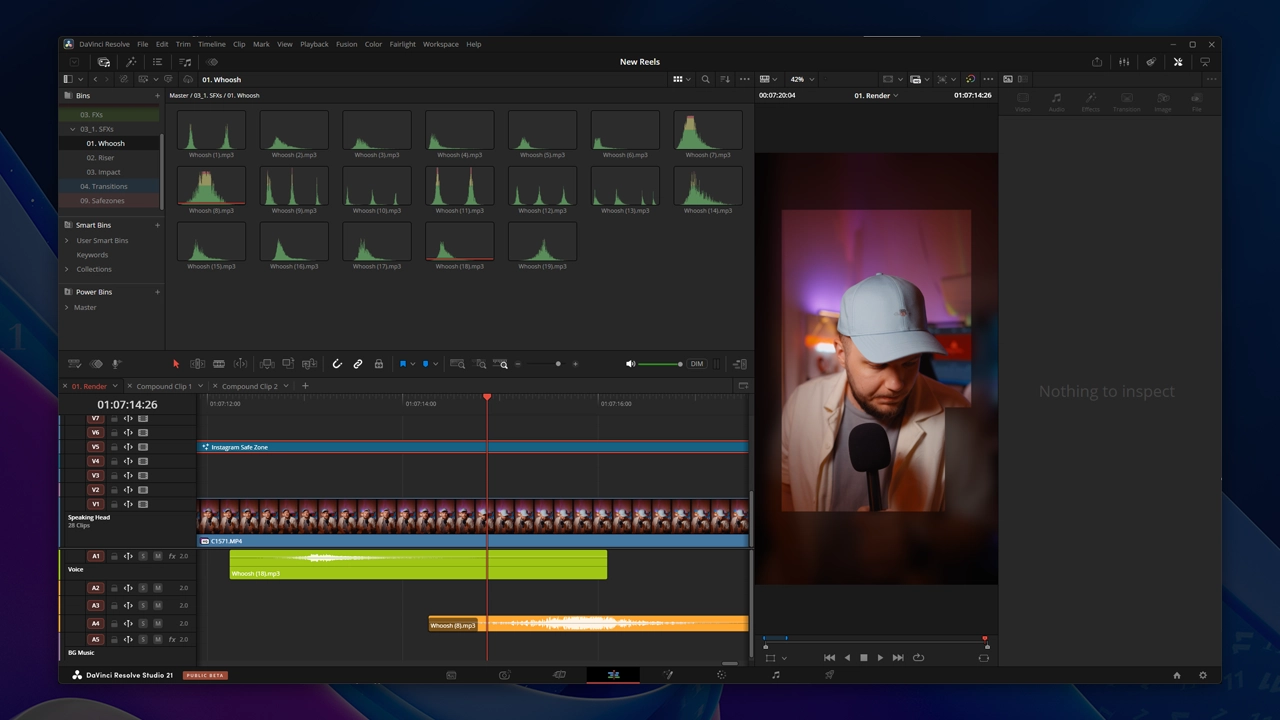 Sound effects (450+)
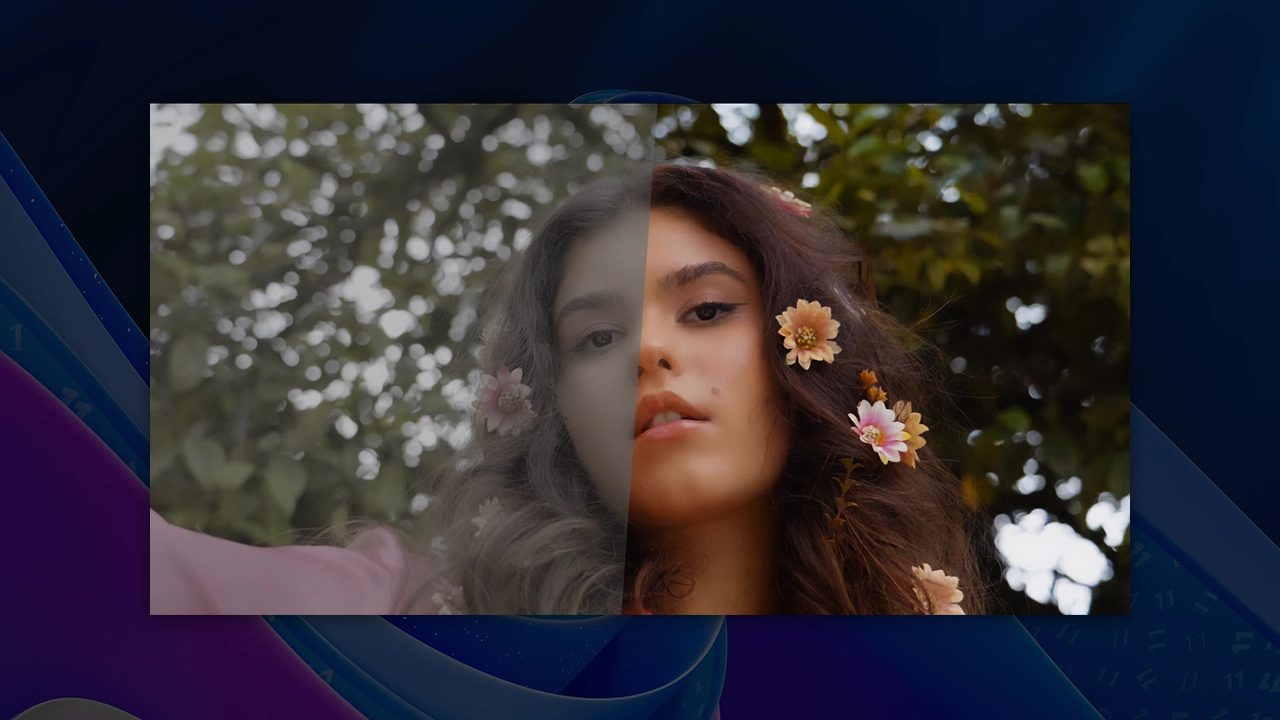 Color grading preset .cube
Text animations NEW
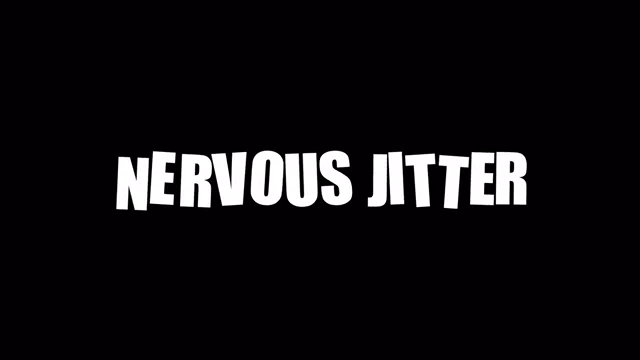
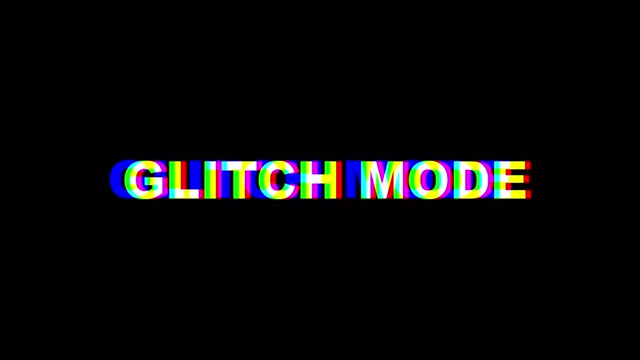
46 itemsStyled text blocks with an entrance animation — just drop in your own text.
Transitions
40 itemsDynamic transitions between shots for a change of topic or scene.
Style effects NEW
29 itemsTools for styling the frame: zooms, masks, flashes and other accents.
Animated backgrounds
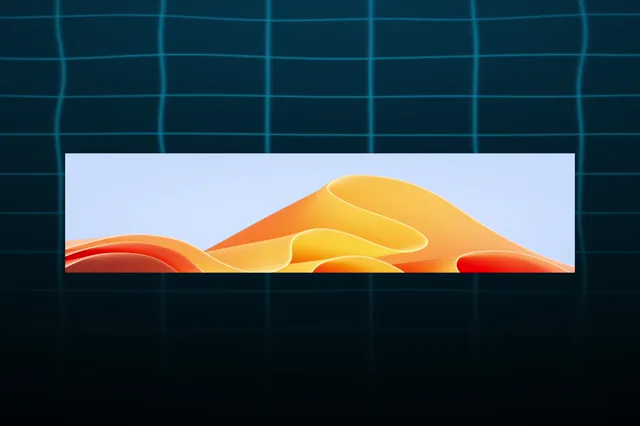
6 itemsReady-made background animations for inserts and demos.
Pack bonuses
3 itemsExtra materials that come with the pack.
Ready to speed up your editing?
Get Reels Constructor now and start making stylish videos 3× faster, starting today.
★★★★★ 4.9 · 97 reviews
667 creators already have the pack
- Author
- Victor Painer
- Format
- .drfx
- Compatibility
- DaVinci Resolve Studio
- Access
- Lifetime
- Updates
- No extra charge
Questions and answers
Which versions of DaVinci Resolve does the pack work with?
The pack works in DaVinci Resolve Studio.
Is it hard to install and set up?
No. After you buy, the pack page has a button to download the installer: double-click the file and DaVinci Resolve installs it on its own. Then one button in the Inspector — the presets show up in the Effects Library, and the installer pulls in updates by itself. The materials (fonts, LUTs, project) are downloaded from the same page.
Can I use it on Mac and Windows?
Yes, the plugins work equally reliably on either operating system (macOS, Windows).
How long does access last?
Forever. You pay once — the pack and all its updates stay in your account, with no subscriptions or hidden fees.

