


About
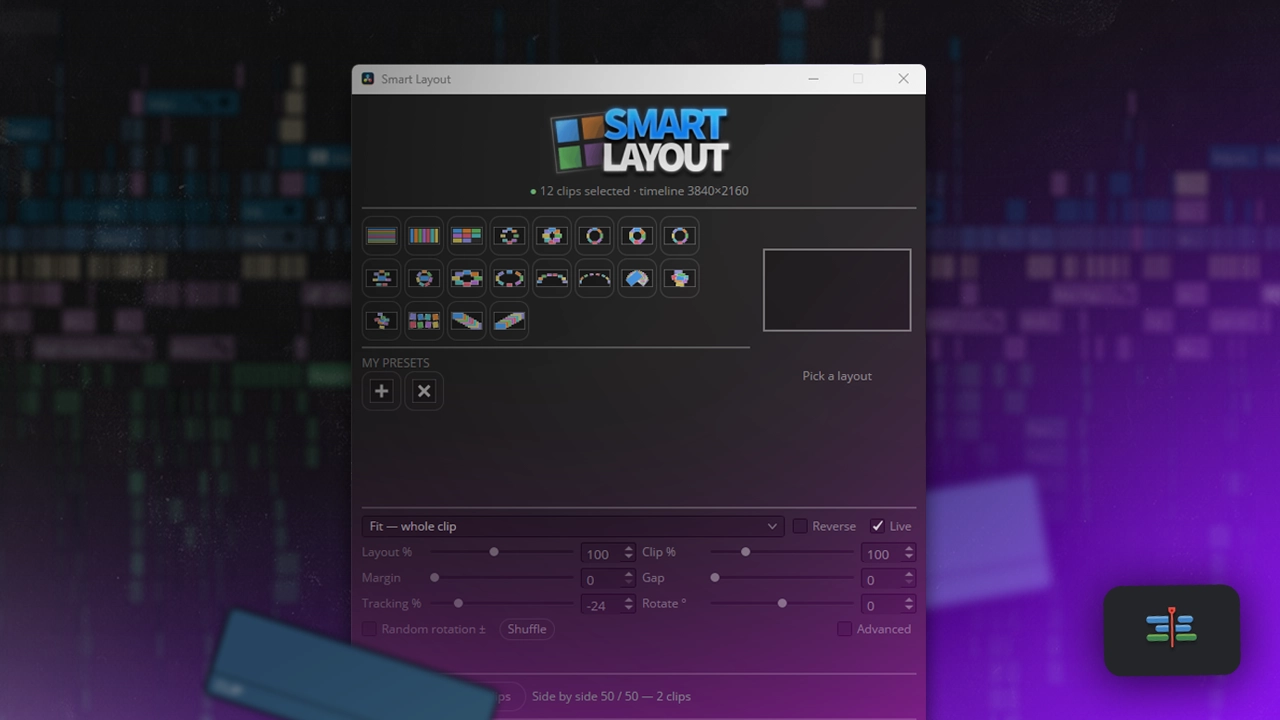
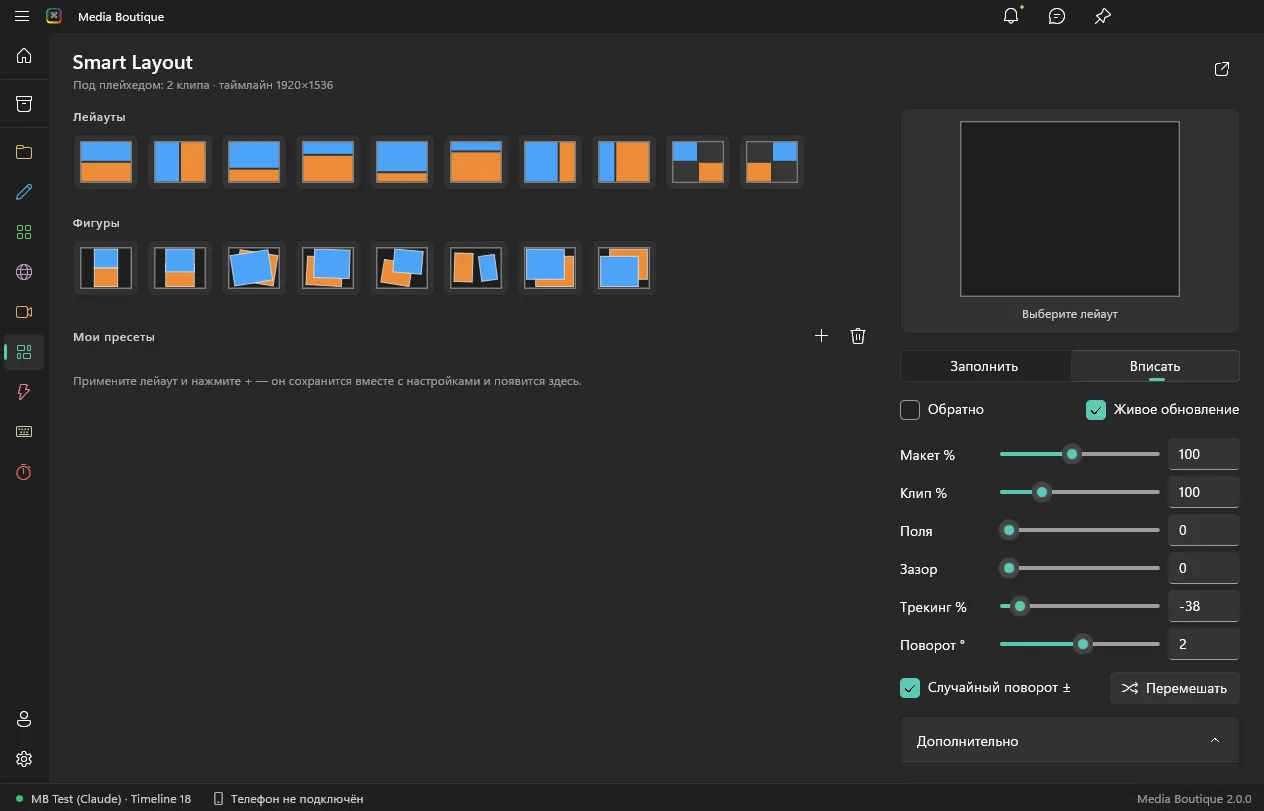
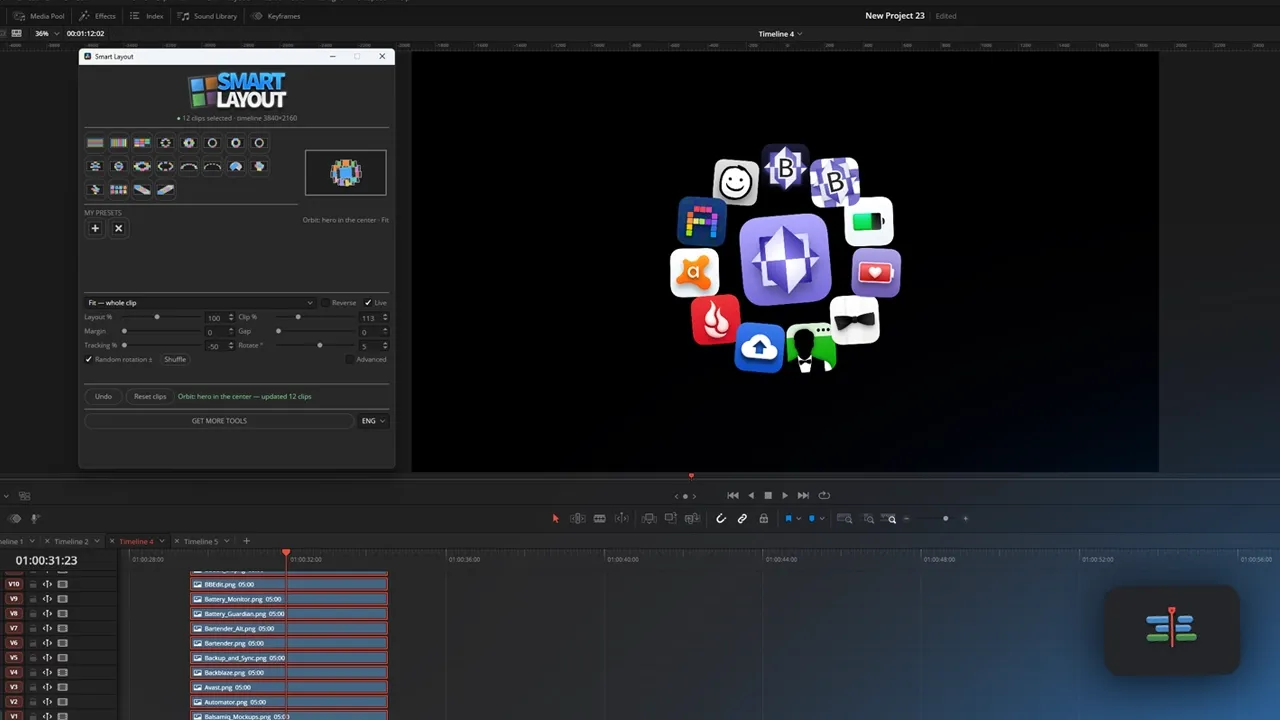
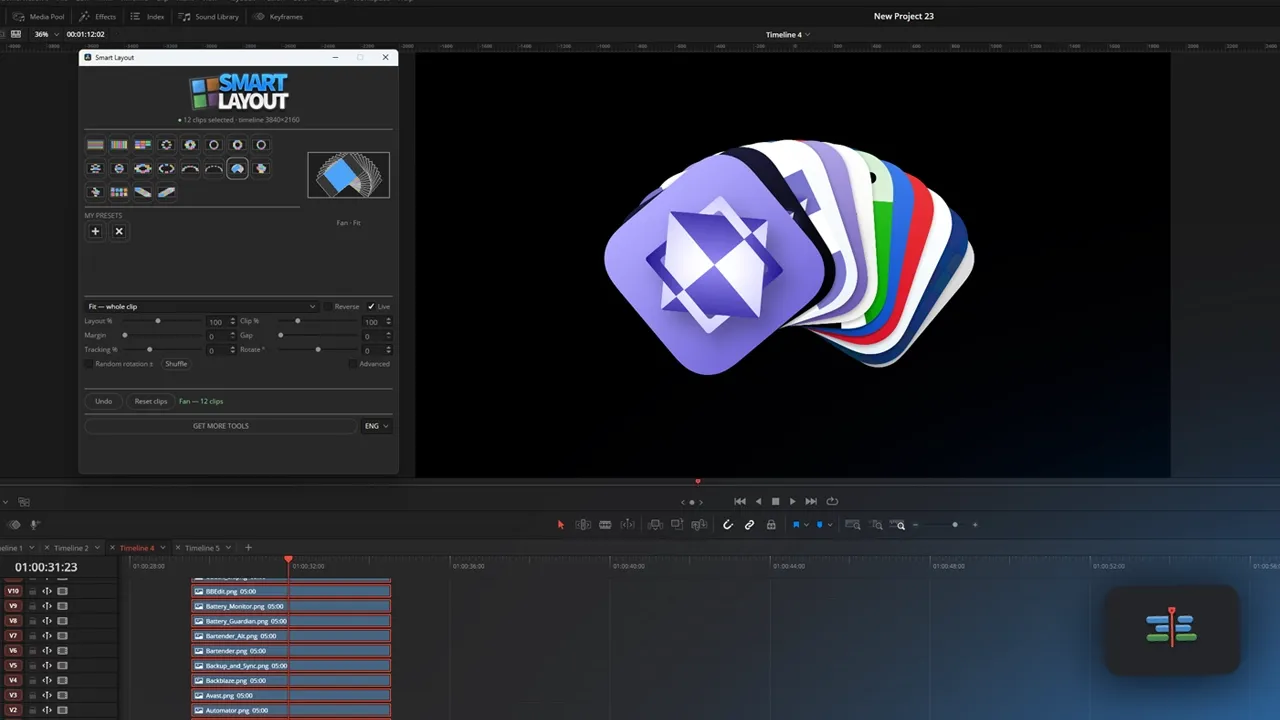
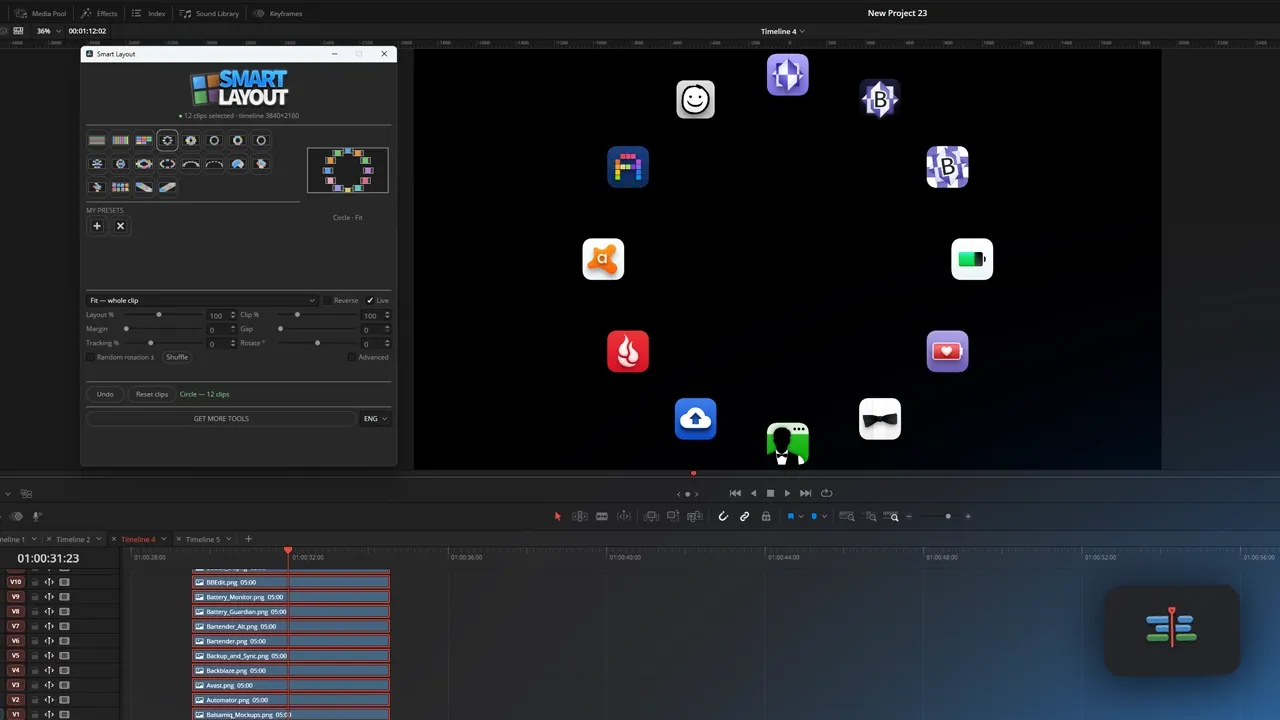
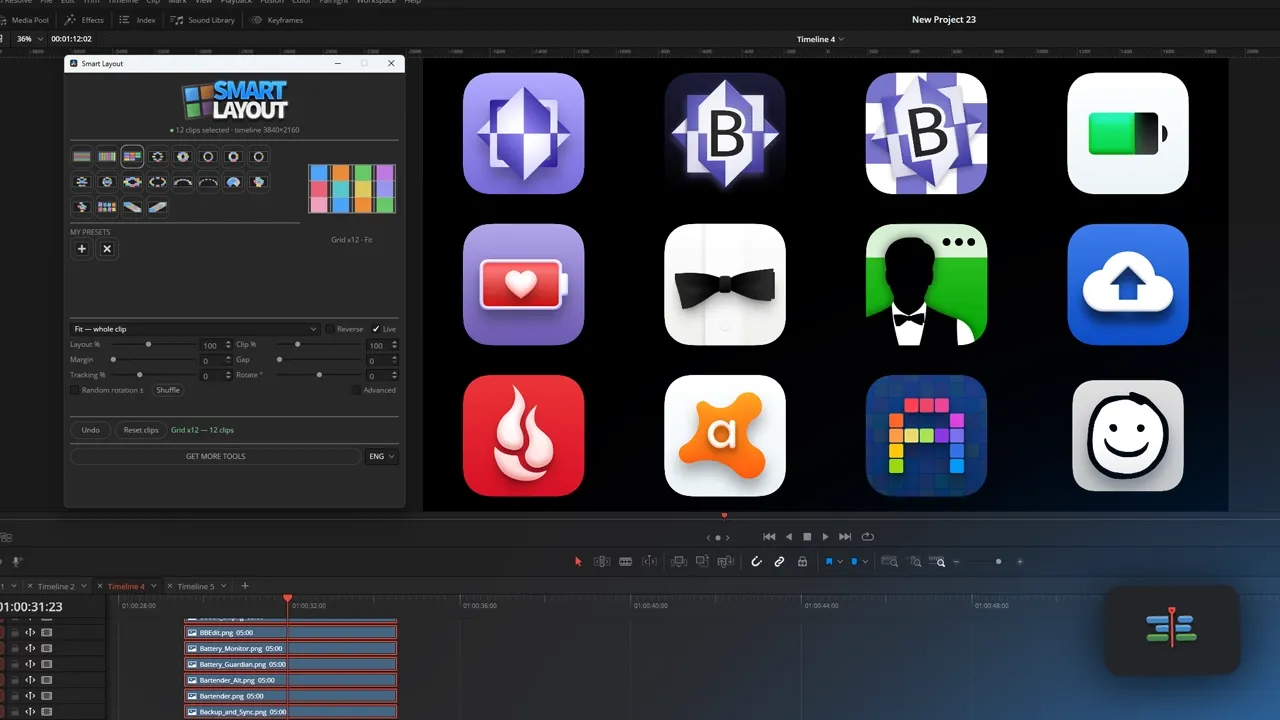
Oct 3, 09:46 AMSelect clips on the timeline and lay them out from a preset: grid, split screen, picture in picture
Similar products
What’s new?
Updates arrive in the app automatically — release notes will appear here.
Contents
- Windows: in the app
- Mac: in the app
- App: Media Boutique 2.0.0 or later
- Access: Included in the plan
How to install
The module installs inside the Media Boutique app — no files to copy.
- Download and open Media Boutique (Windows or Mac).
- Go to Plugins → Smart Layout → Install.
- The module shows up in the app and in DaVinci Resolve; updates arrive automatically.
Questions
1Sign in to ask a question about this module.
Ему не было бы цены, если бы он мог делать все эти чудеса и с текстом тоже, тк с типографикой в Давинчи работать максимально больно. Брал его именно для этих целей, но думаю и в таком виде куда-то пригодится. Надеюсь, в будущем, сможете реализовать такую возможность!