


About
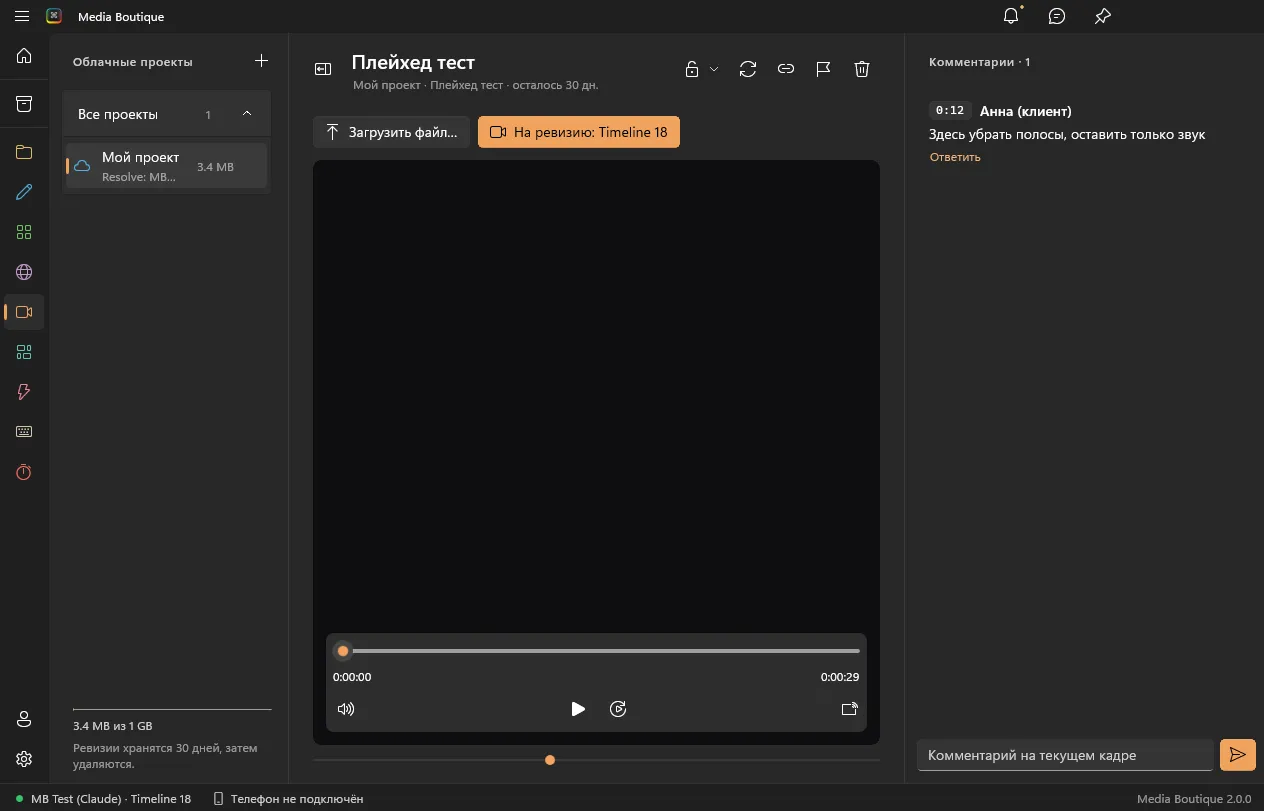
Renders for client review and their timecoded comments
What’s new?
Updates arrive in the app automatically — release notes will appear here.
Contents
- Windows: in the app
- Mac: in the app
- App: Media Boutique 2.0.0 or later
- Access: Included in the plan
How to install
The module installs inside the Media Boutique app — no files to copy.
- Download and open Media Boutique (Windows or Mac).
- Go to Plugins → Revisions → Install.
- The module shows up in the app and in DaVinci Resolve; updates arrive automatically.
Questions
0Sign in to ask a question about this module.
No questions yetBe the first to ask — everyone will see the answer.